

No surprises at pickup
Customers see exactly what is included, what is optional, and what it costs before you start.
Quotes & Approvals
Build quotes from parts, labor, and fee lines, add optional upgrades, and send them for a signed decision. The customer reviews every section and accepts, requests changes, or declines from their BUILT account.
Who it’s forFor owners, managers, and front desk staff who write quotes, and for customers who approve them.
Live demo of real BUILT screens with example data
How it works
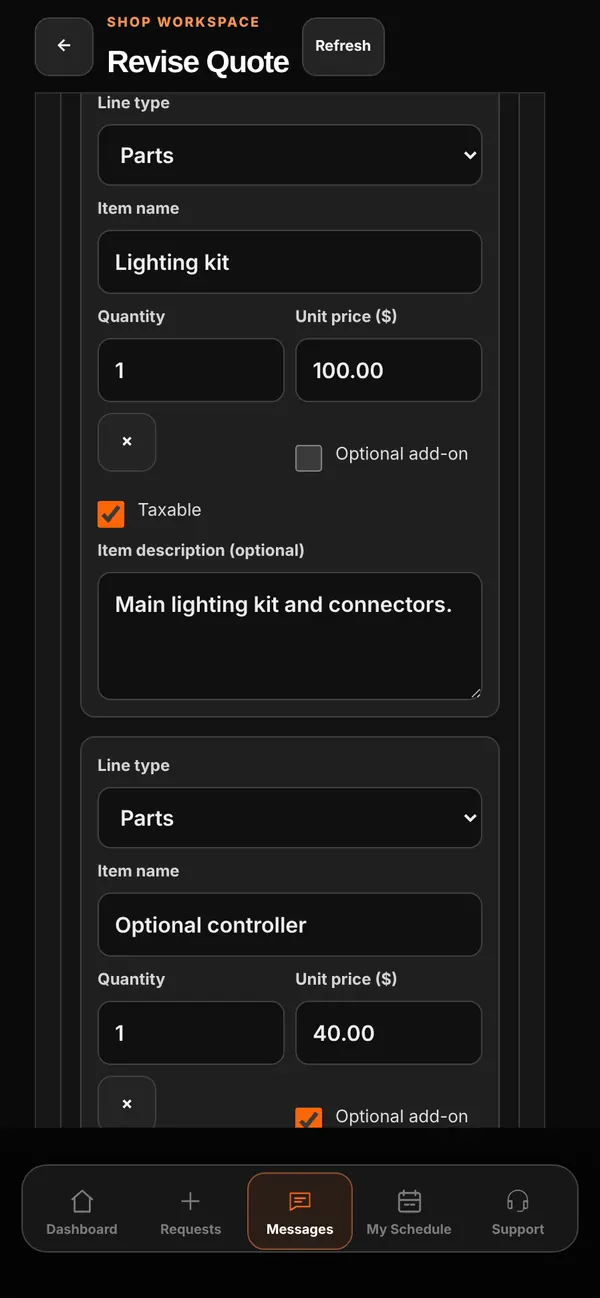
Each line has a type, name, description, quantity, and price, plus taxable and optional add-on settings. Labor can be hourly or a flat rate, and saved parts and labor from your library fill in descriptions for you. Photos and videos can be attached so the customer sees what you see. When the scope grows mid-job, Create Additional Quote adds the new work without changing the accepted original, and it gets its own signature.
Inside the app
Scroll — the screen follows along.
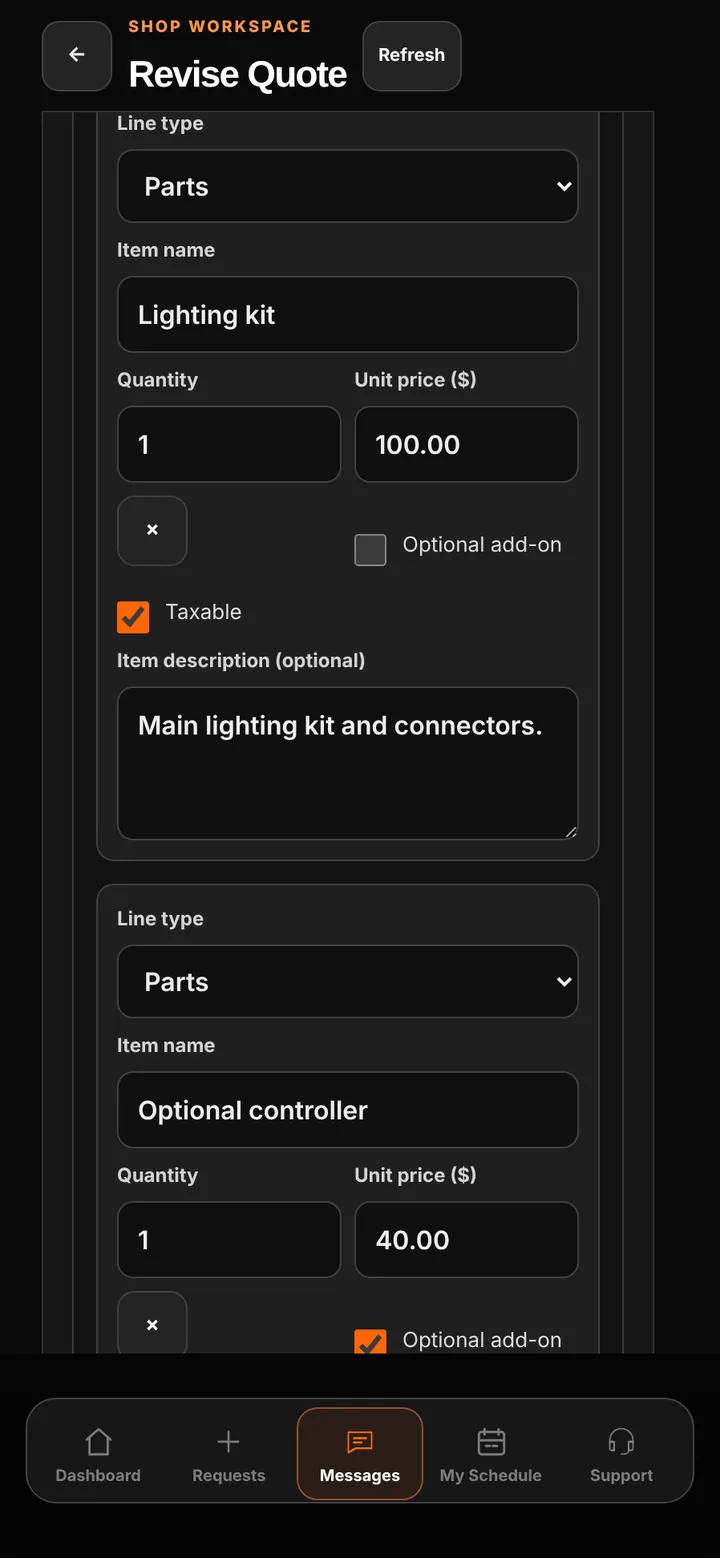
Set each line’s type, quantity, price, tax, and whether it’s an optional add-on.
Parts, labor, and fees appear in their own sections, with optional items the customer can choose.
Totals with discount and tax, then Accept Quote, Request Changes, or Decline.
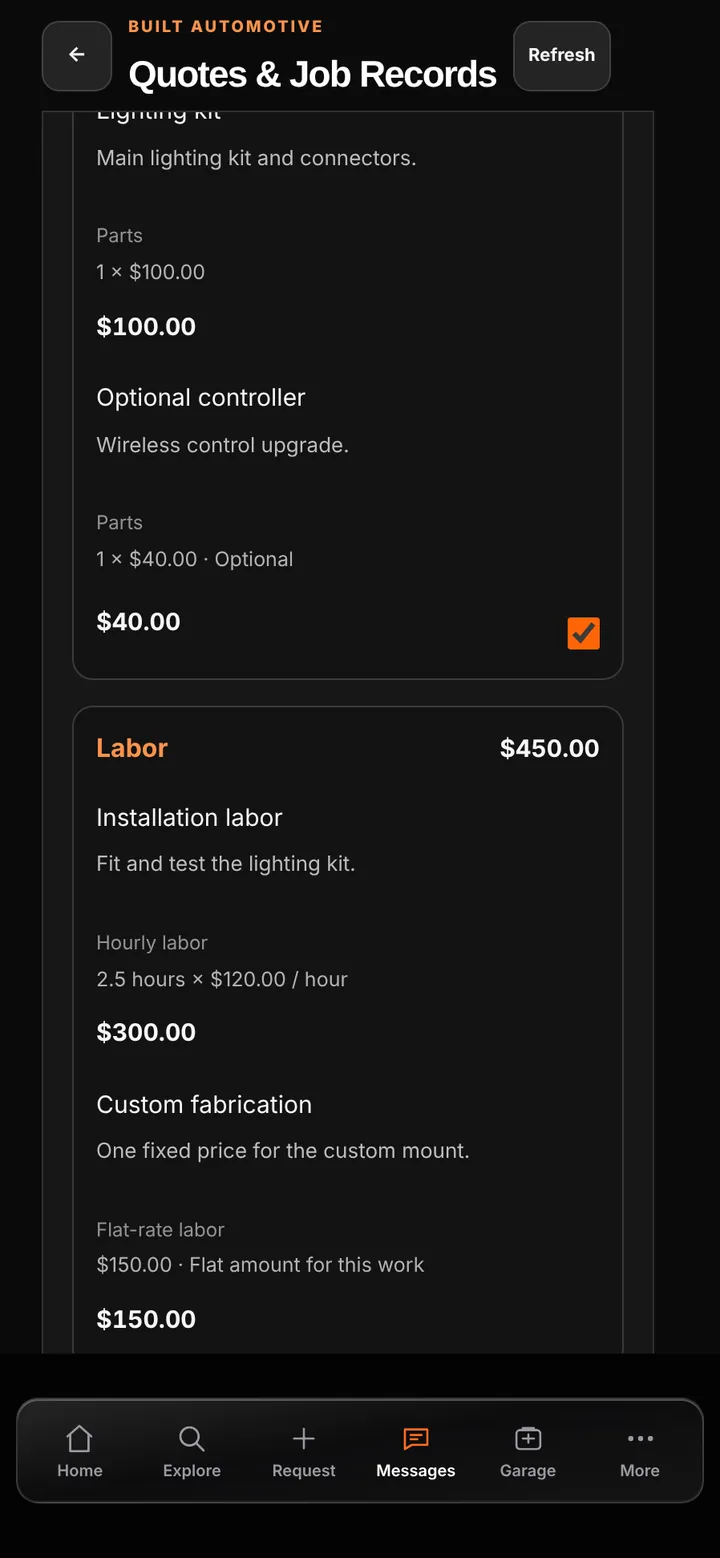
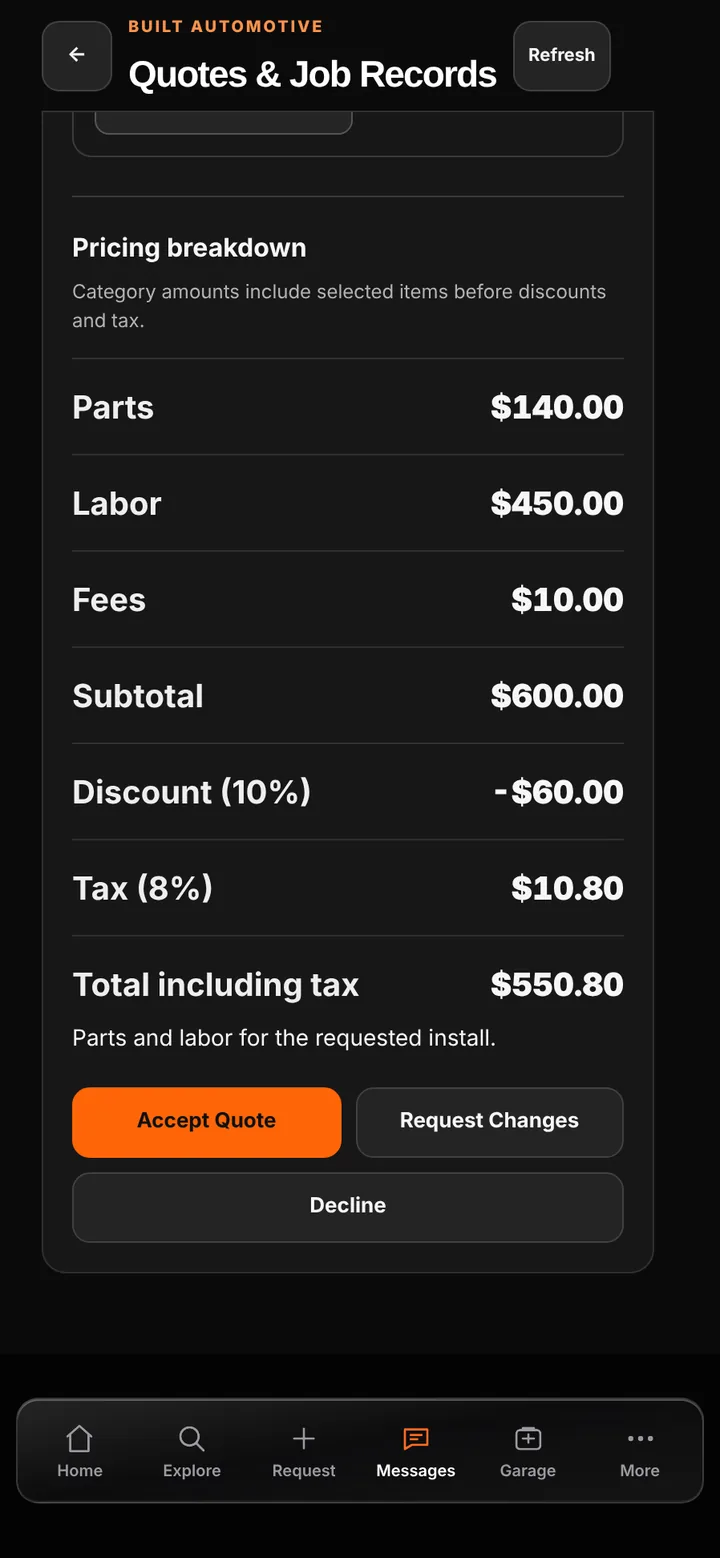
Customers see exactly what is included, what is optional, and what it costs before you start.
Optional add-ons let customers choose upgrades themselves, with the total updating as they go.
Each signed decision is saved with the exact version of the quote it approved.
Good to know
See BUILT in action
Walk through the tools, explore your workflow, and talk about what fits your business.
Book demo