

Start the day knowing the priorities
See what needs attention before the first customer walks in.
Shop Scheduling
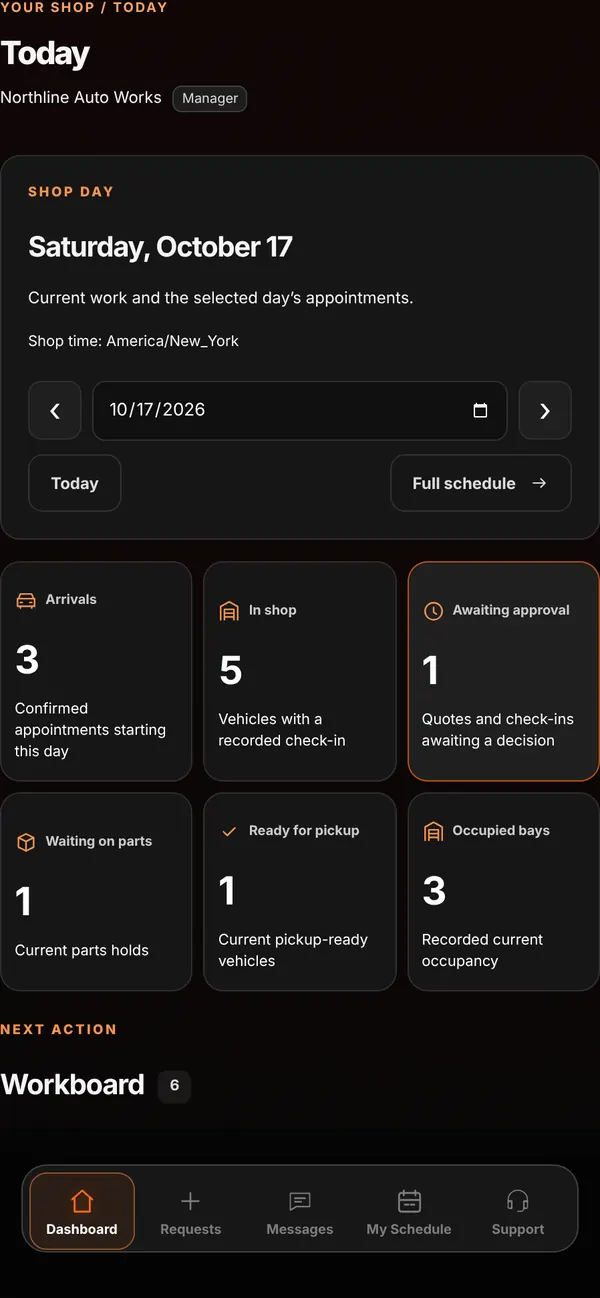
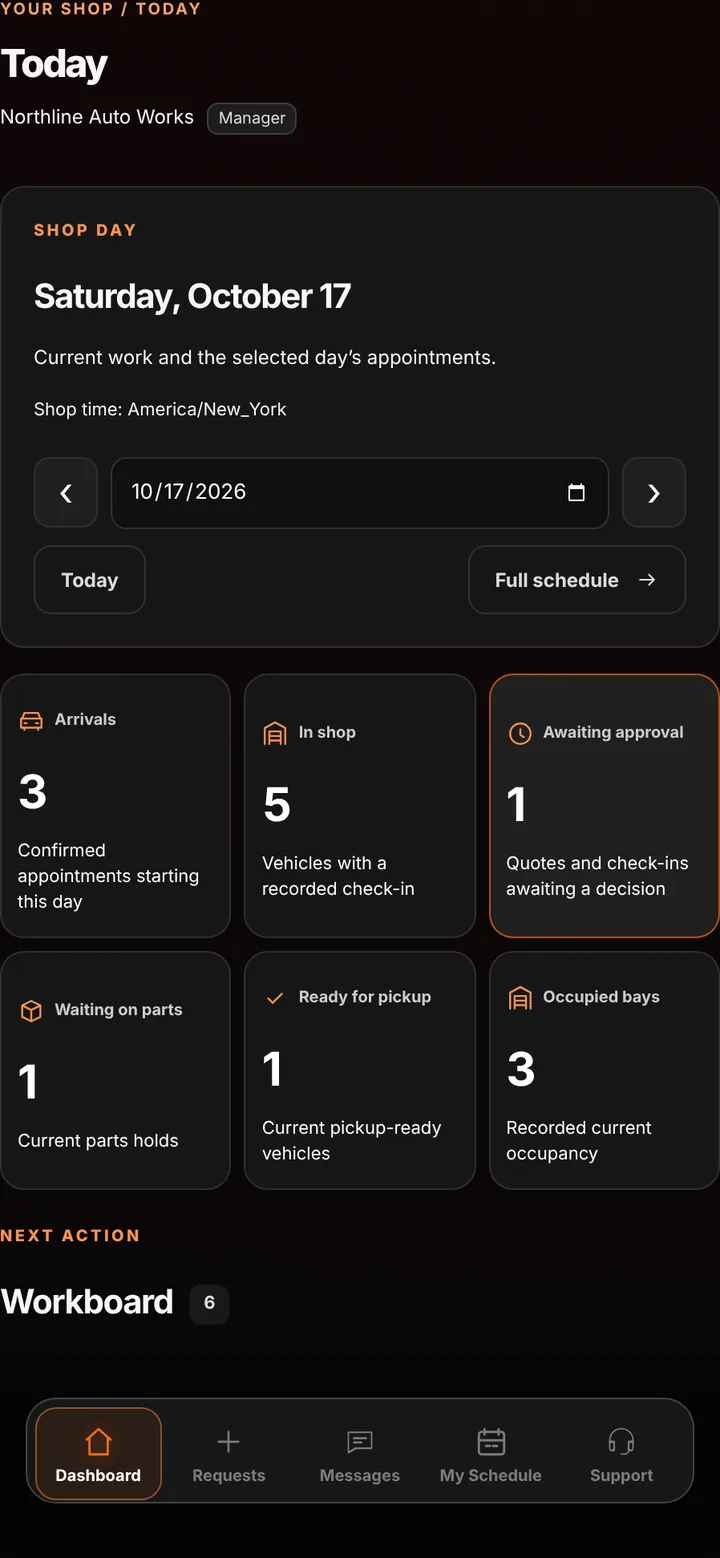
Today’s Schedule shows the whole shop day at a glance, and My Schedule plans who is working when. Both live in the same workspace as your requests and jobs.
Who it’s forToday’s Schedule is for anyone running the floor. Team schedules are managed by owners and managers; every employee sees their own shifts.
Live demo of real BUILT screens with example data
How it works
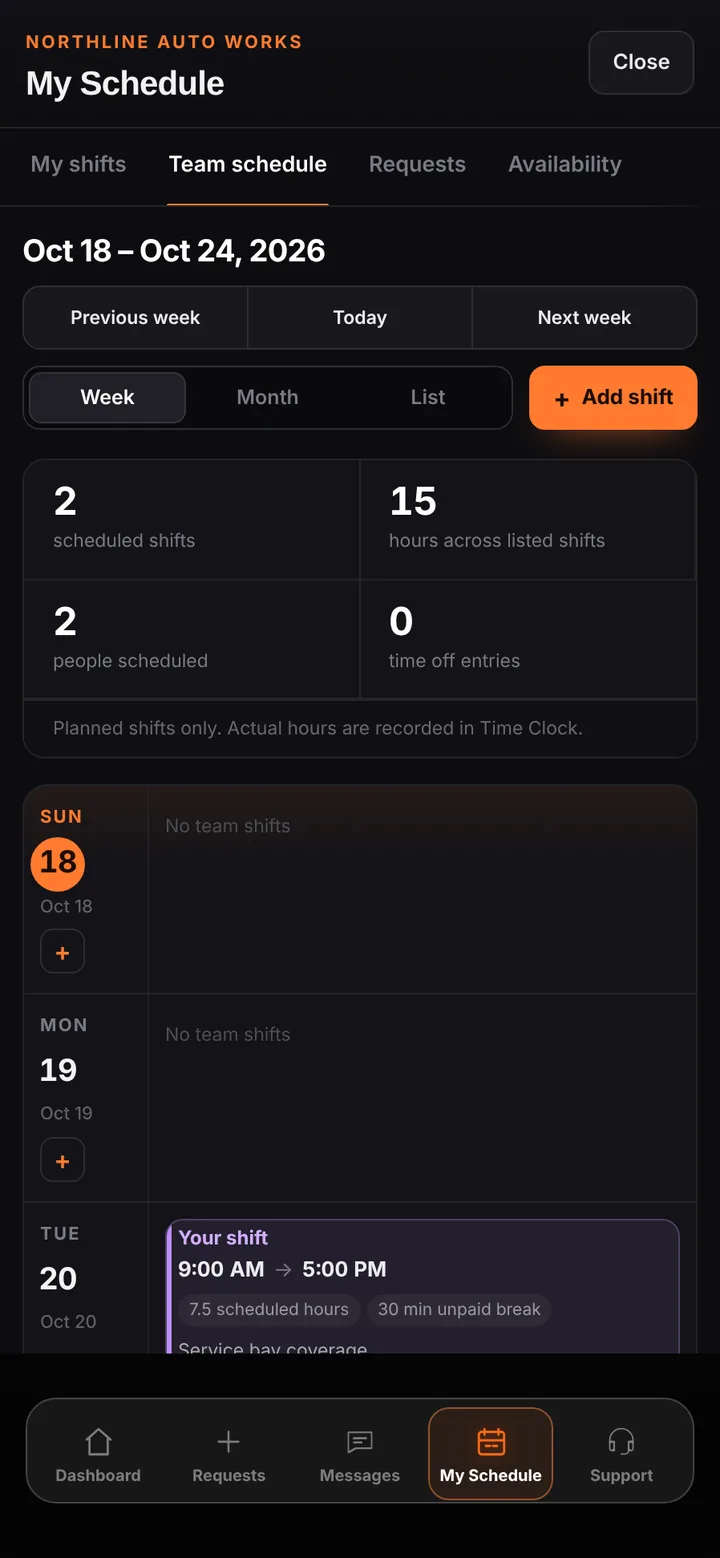
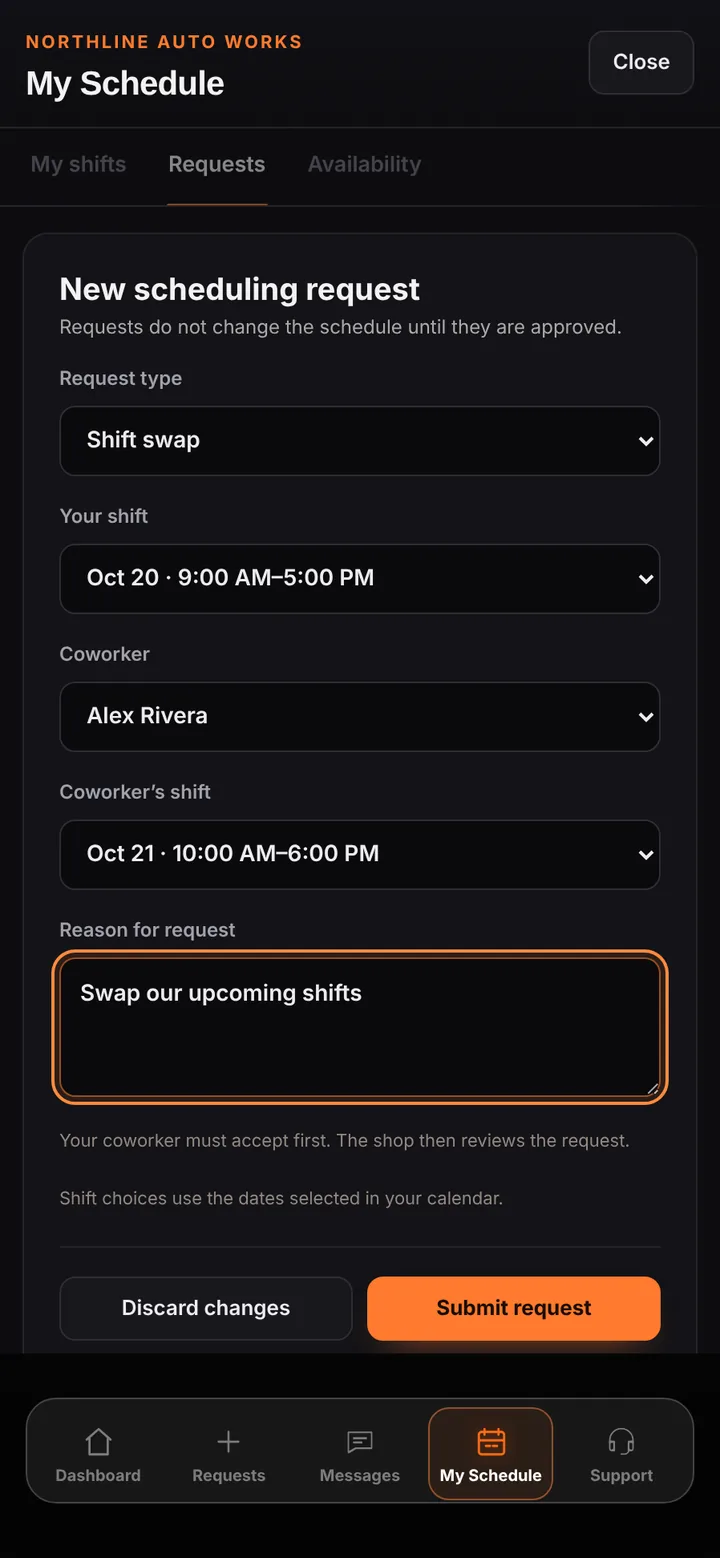
Today’s Schedule counts arrivals, vehicles in the shop, quotes and check-ins awaiting a decision, parts holds, pickups, and occupied bays, then lists every active job with its next action. My Schedule lets owners and managers publish shifts in a Sunday-first week, month, or list view. Employees can request time off, a shift change, coverage, or a swap, and share their usual weekly availability.
Inside the app
Scroll — the screen follows along.
Arrivals, vehicles in the shop, approvals, parts holds, pickups, and bays for the selected date.
Planned shifts and hours for the week, with Add shift for owners and managers.
Swaps and coverage need the coworker’s acceptance before a manager approves.
See what needs attention before the first customer walks in.
Approved time off appears on the calendar and blocks conflicting shifts.
Every request keeps its reason, decision, and history.
Good to know
See BUILT in action
Walk through the tools, explore your workflow, and talk about what fits your business.
Book demo