

Your style, up front
The gallery shows the kind of work you take on before a driver ever asks.
Shop Profiles & Portfolios
Your profile is what drivers see when they open your shop in Explore: your specialties, verified status, hours, location, and a Work Gallery of the jobs you are proud of.
Who it’s forFor drivers deciding where to go, and for owners who want their best work seen first.
Live demo of real BUILT screens with example data
How it works
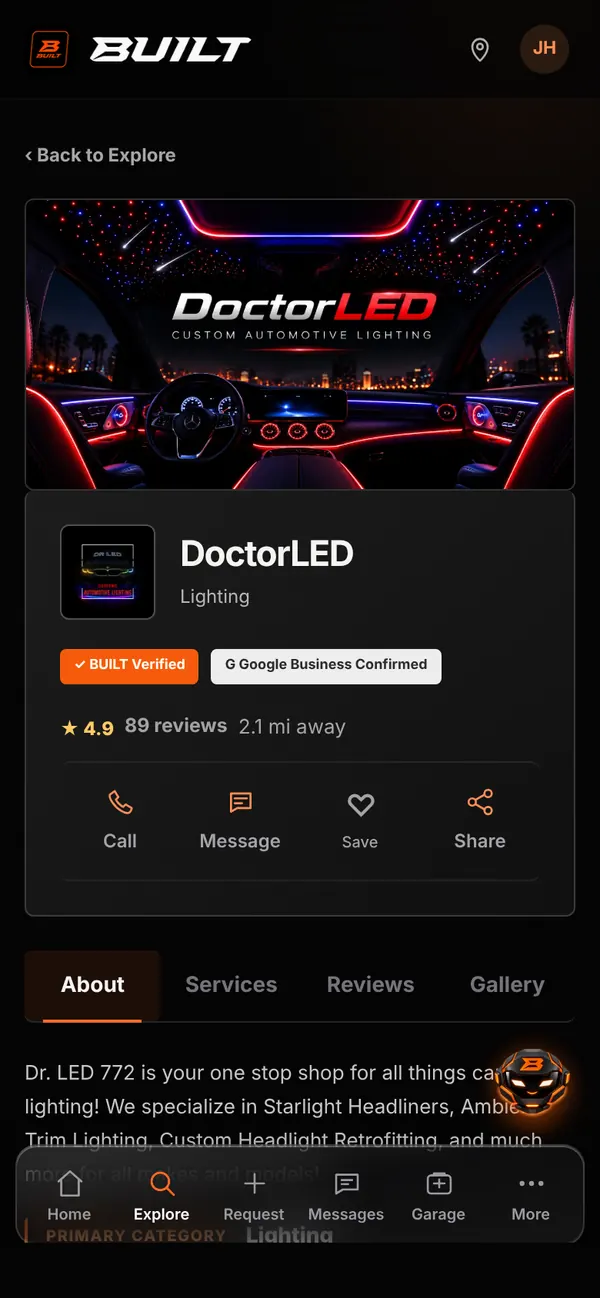
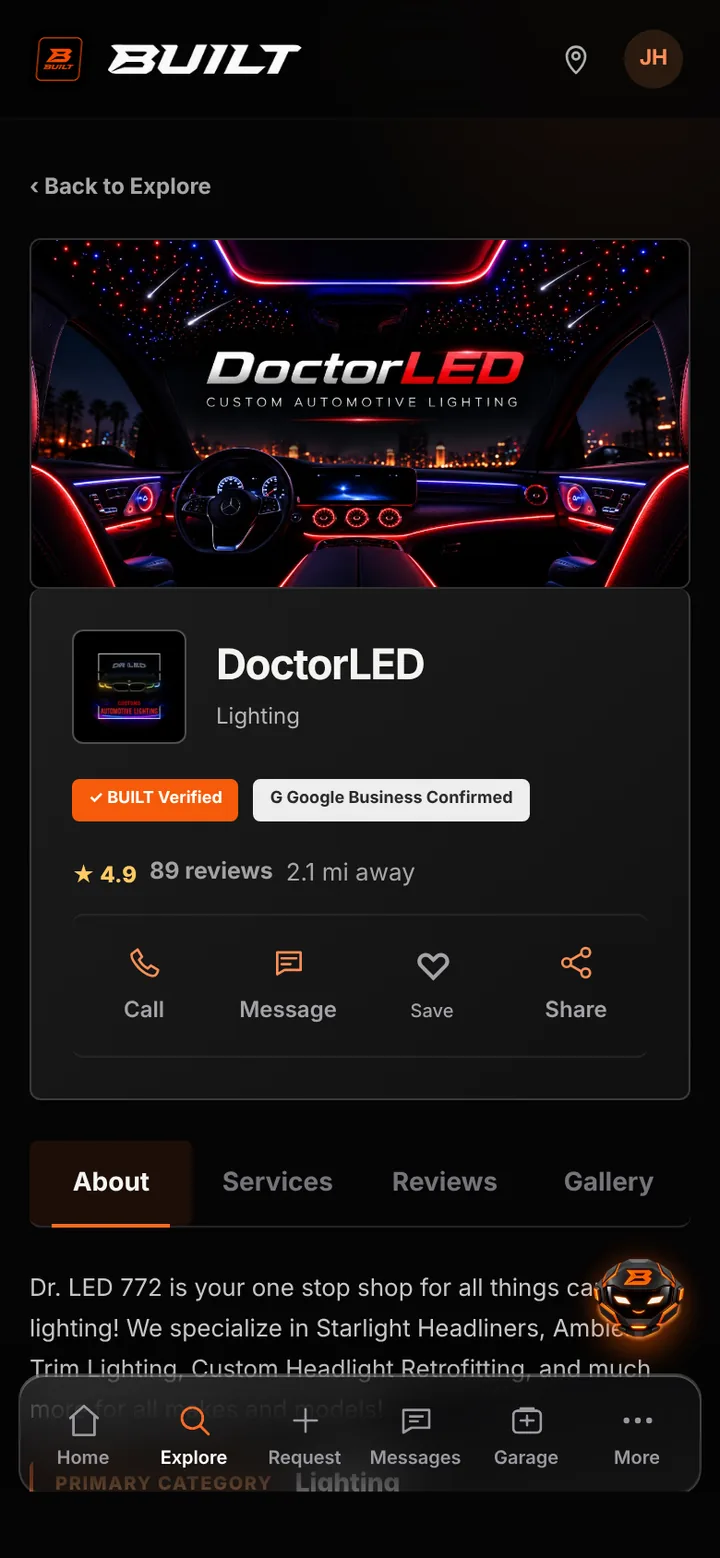
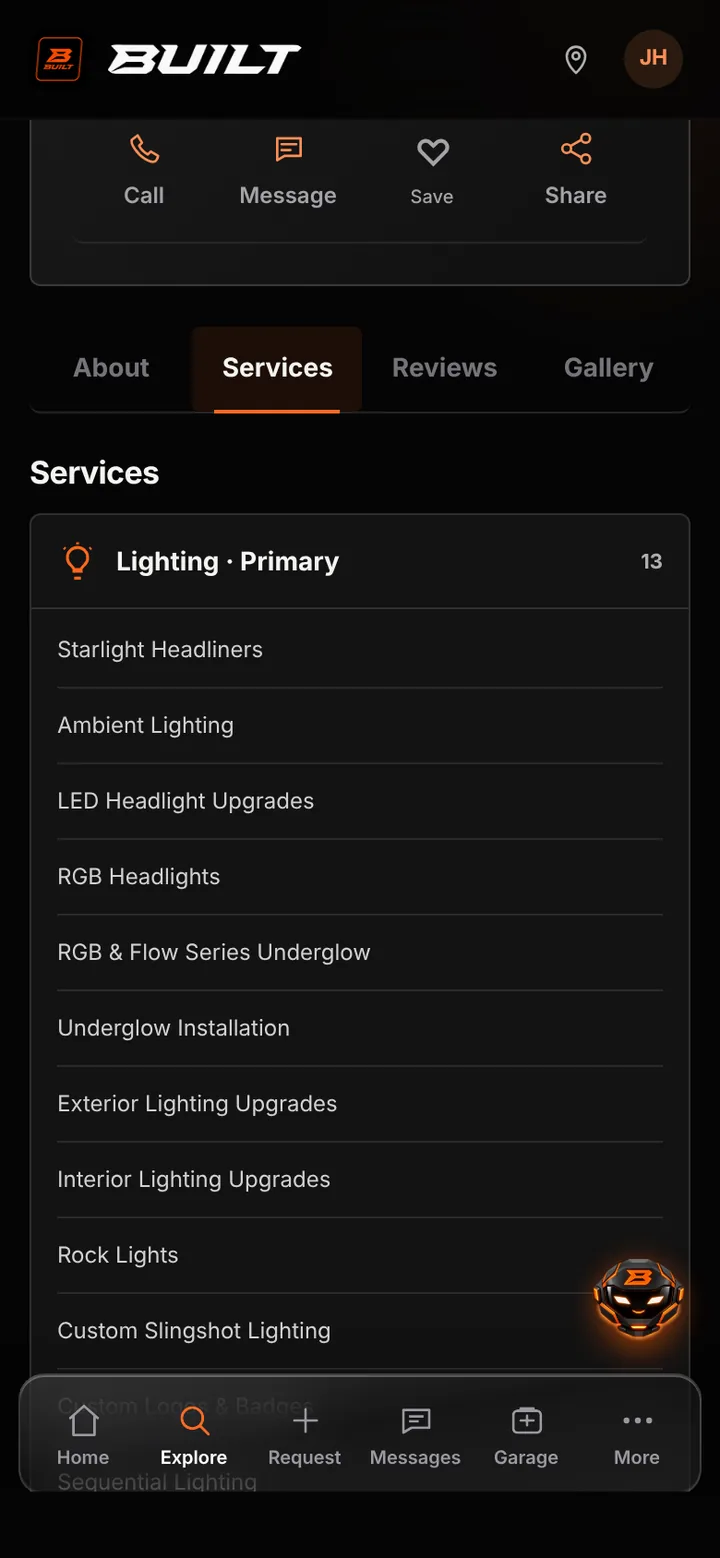
The top of the profile shows your logo, primary category, BUILT Verified status when earned, rating, and distance, with Call, Message, Save, and Share buttons. Tabs below cover About, Services, Reviews, and Gallery. Services are grouped by category with your primary specialty first, and the Work Gallery holds up to 50 photos and videos in the order you choose, with the first photo used as your cover in Explore.
Inside the app
Scroll — the screen follows along.
Cover photo, logo, category, verified status, rating, and quick actions.
Your primary category comes first, followed by everything else you offer.
Photos and videos uploaded by your shop, up to 50, in the order you choose.
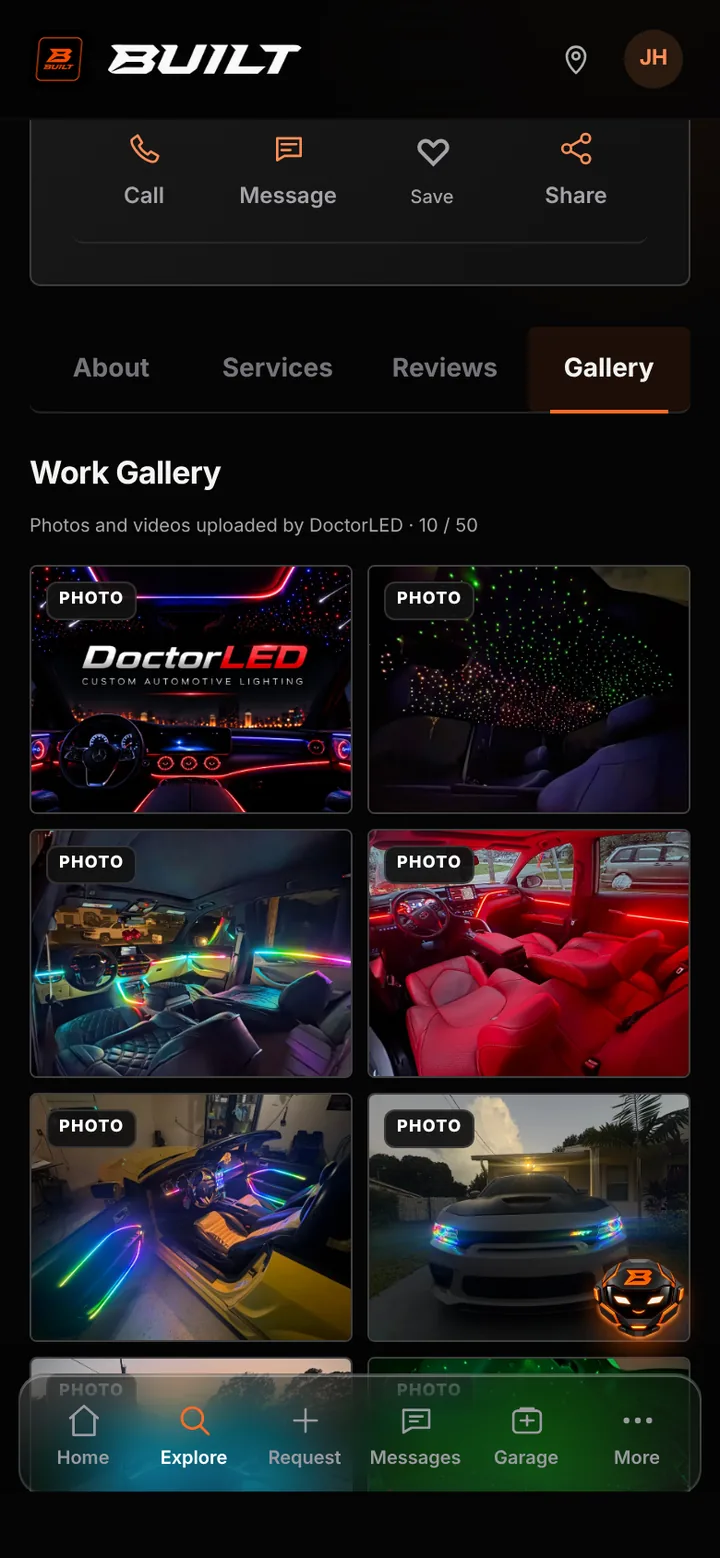
The gallery shows the kind of work you take on before a driver ever asks.
Drivers can call, message, or save your shop straight from the profile.
Verification and reviews come from real steps and completed BUILT jobs.
Good to know
See BUILT in action
Walk through the tools, explore your workflow, and talk about what fits your business.
Book demo