
Found for the work you do
Drivers looking for lighting, tint, suspension, or any of the 10 specialties can filter straight to shops like yours.
BUILT Explore
Explore is the shop directory inside the BUILT app for drivers. They search, filter by specialty, compare nearby shops, and open your profile before they ever send a request.
Who it’s forFor drivers looking for the right shop, and for shops that want to be found for their specialty.
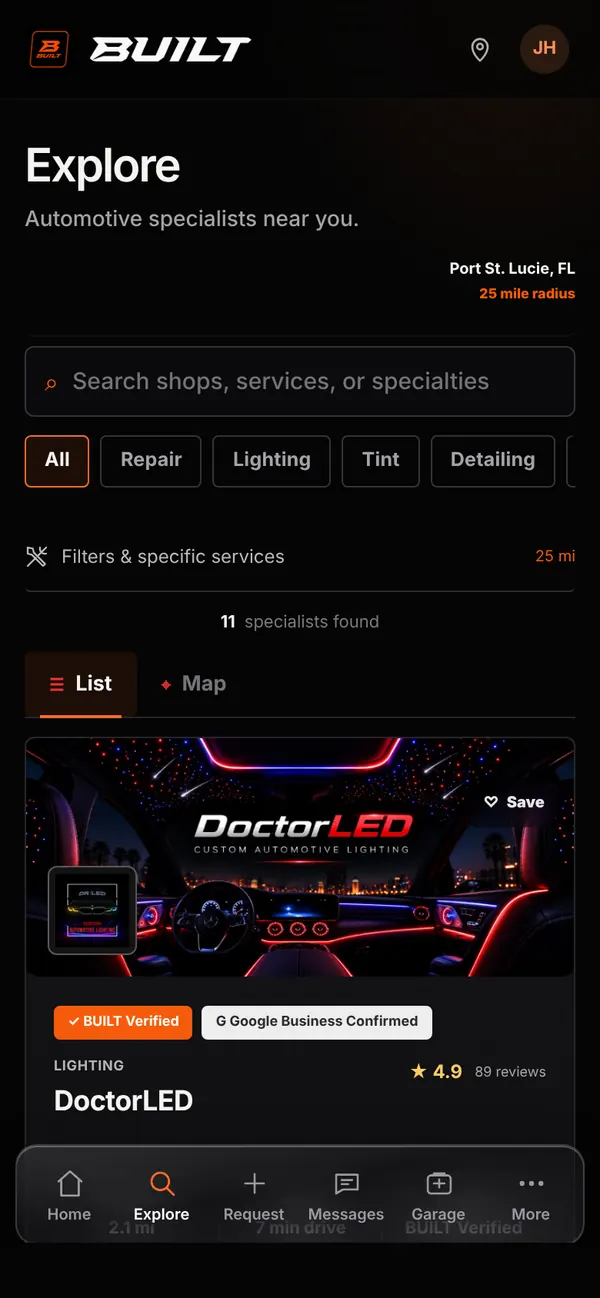
Live demo of real BUILT screens with example data
How it works
Drivers search by shop name, service, or specialty, narrow the results with category filters, and switch between a list and a map. Each listing shows the shop’s primary category, distance and drive time, rating, and BUILT Verified status when the shop has earned it. Browsing never requires a request first, so drivers can get to know your work, save your shop, and come back when they are ready.
Inside the app
Scroll — the screen follows along.
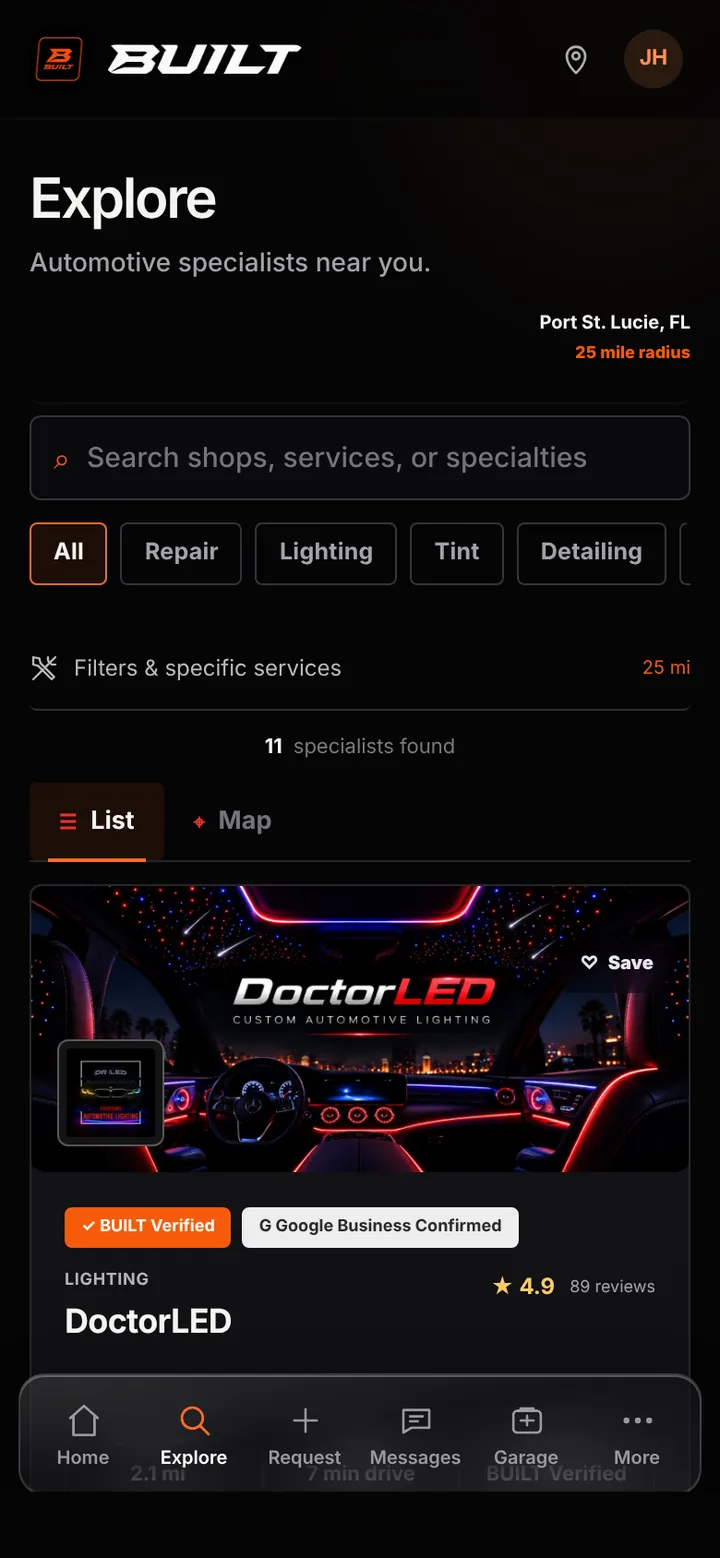
Explore lists shops inside the driver’s chosen radius, with search, category chips, and list or map views.
Choosing a category such as Lighting narrows the list to shops whose specialty is that work.
A listing opens your full profile, where drivers can call, message, save, or share your shop.
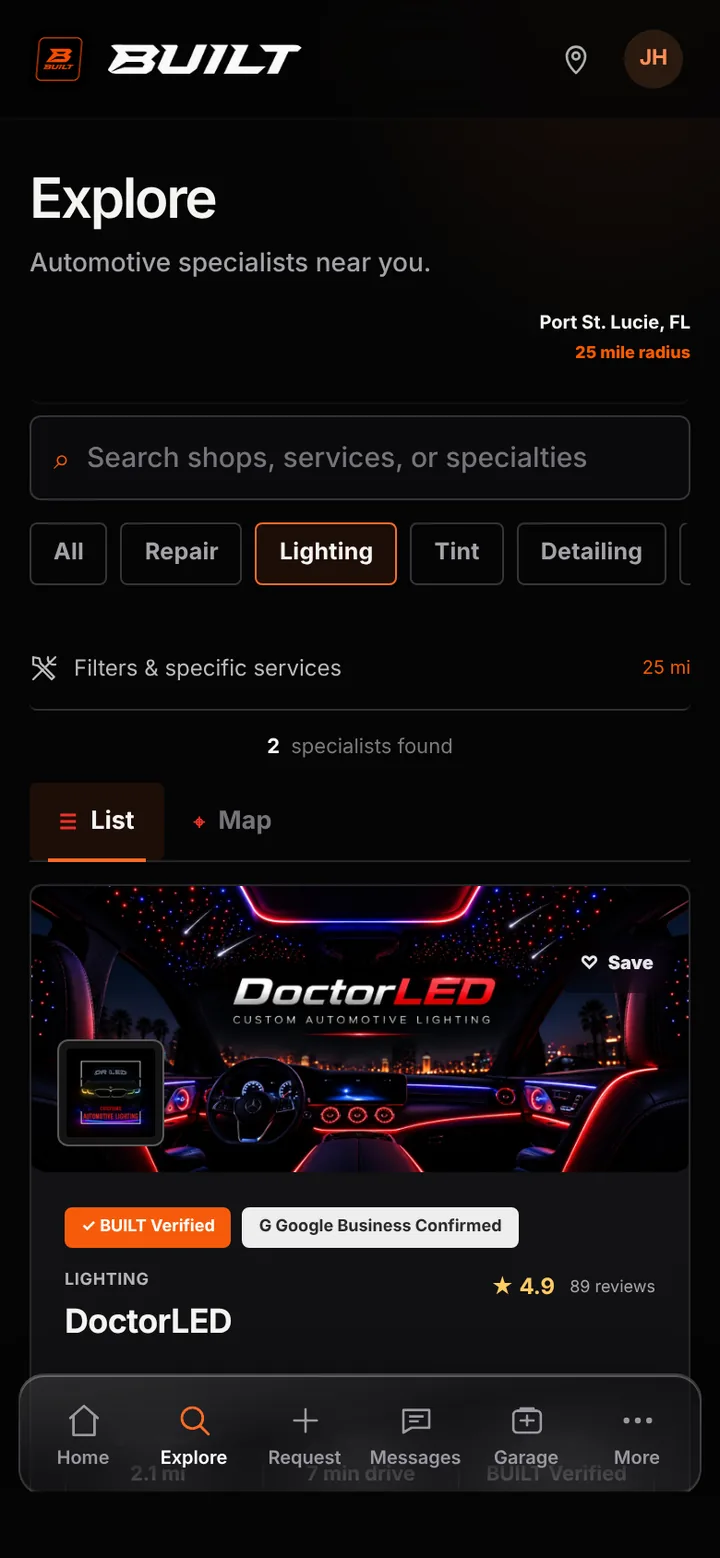
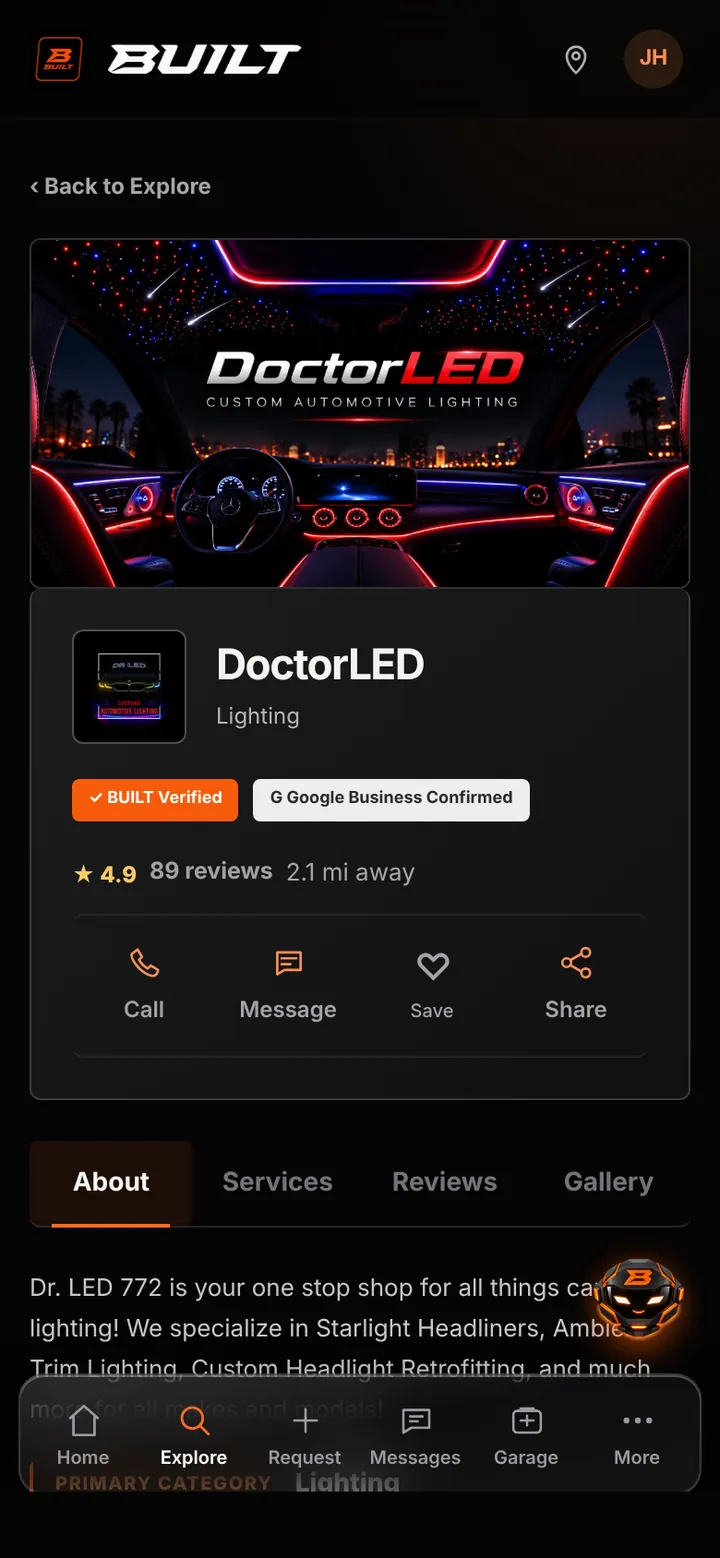
Drivers looking for lighting, tint, suspension, or any of the 10 specialties can filter straight to shops like yours.
Your verified status, rating, and work are visible before a driver decides to reach out.
From a listing, drivers can open your profile and start a request your team manages in BUILT Business.
Good to know
See BUILT in action
Walk through the tools, explore your workflow, and talk about what fits your business.
Book demo