

Everyone sees what they need
Installers aren’t buried in shop-wide data, and financial details stay with the owner.
Team & Access
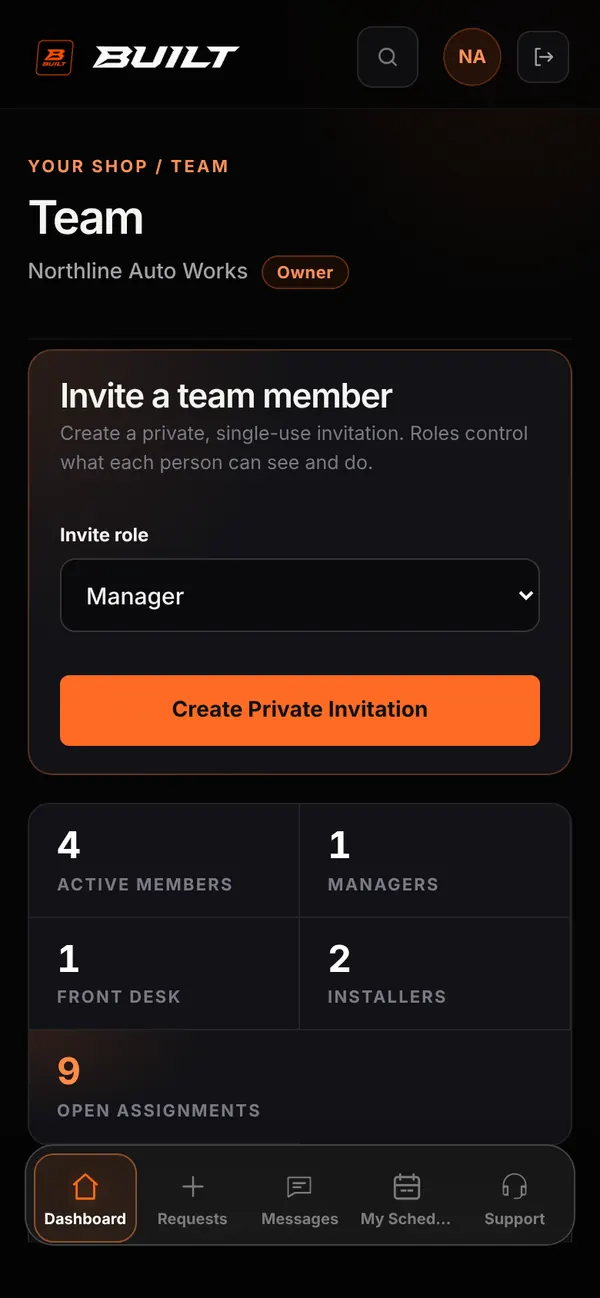
Invite your team with private codes, give each person a role, and assign them to jobs. Everyone works from their own BUILT account and sees what their role allows.
Who it’s forOwners manage the team. An owner can authorize a manager to manage installers and front desk staff.
Live demo of real BUILT screens with example data
How it works
There are three team roles under the owner. Managers can maintain team schedules and assign technicians to jobs. Front desk staff handle requests, messages, and quotes. Installers work the jobs assigned to them and see only those conversations. Owners can change roles, turn access off, or remove someone from the shop at any time, and only the owner sees financial reports and pay settings.
Inside the app
Scroll — the screen follows along.
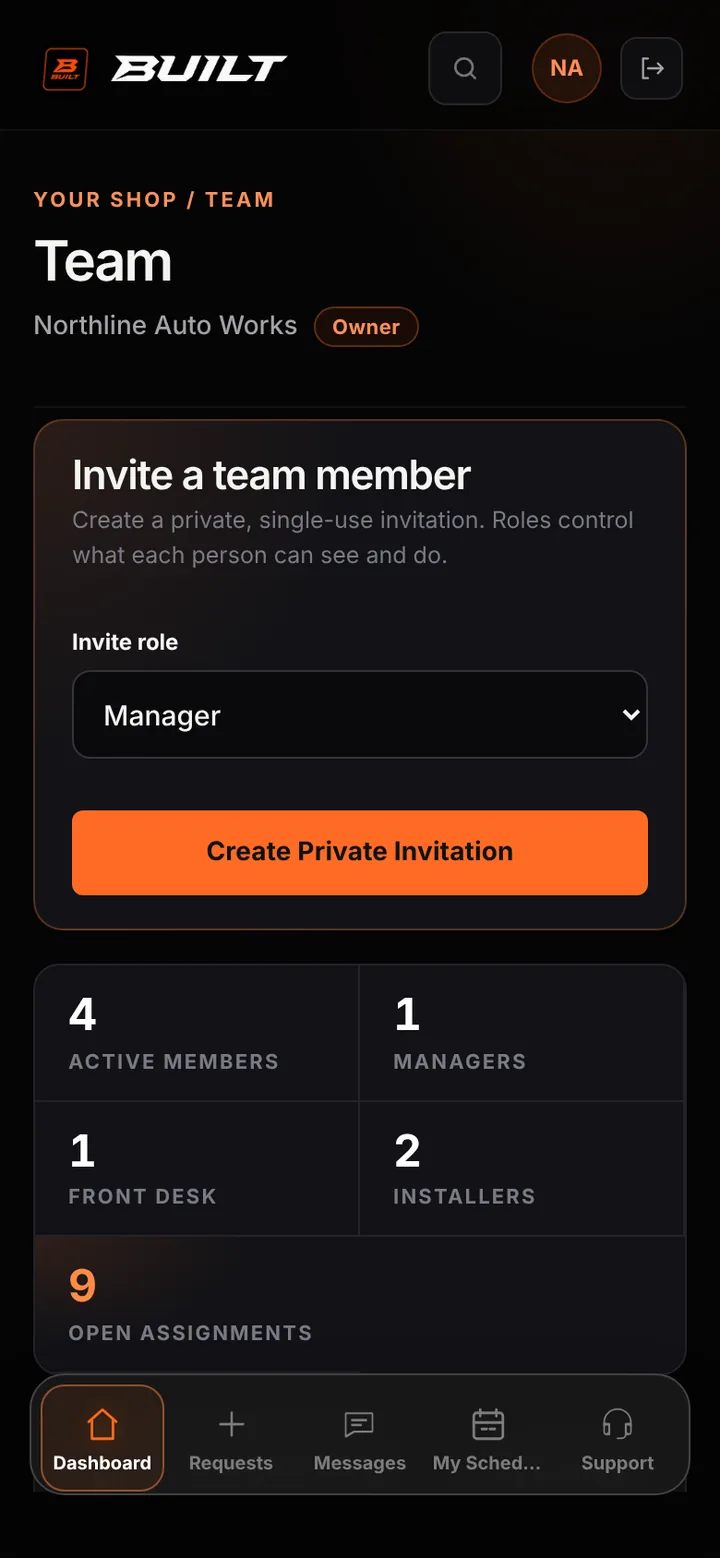
Create a private invitation for a Manager, Front Desk, or Installer.
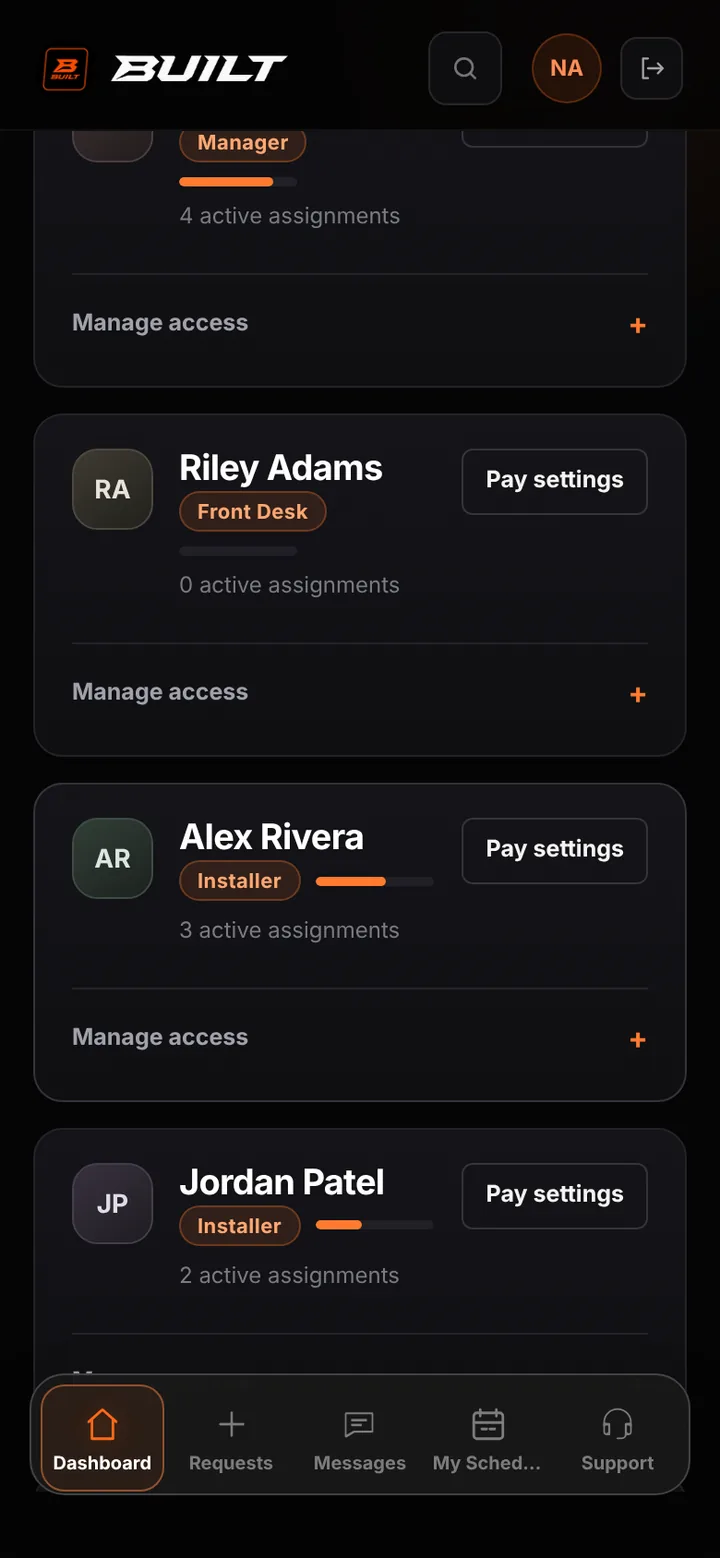
Each card shows the role and active assignments, with Save Permissions and Remove from shop.
An installer’s Today shows the shop day for the work they’re part of.
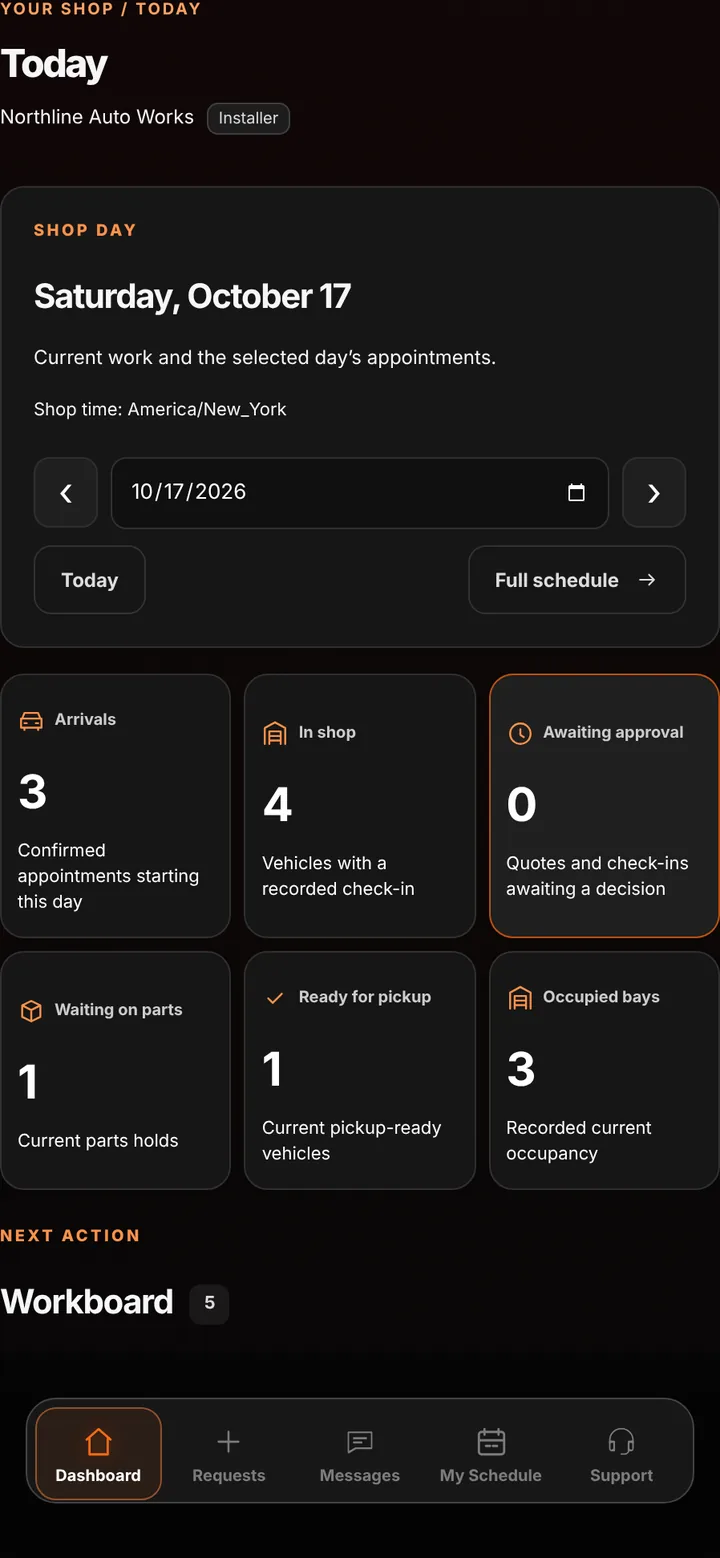
Installers aren’t buried in shop-wide data, and financial details stay with the owner.
Assignments connect each job to the people doing the work.
Remove access in one step while the job history they contributed to stays intact.
Good to know
See BUILT in action
Walk through the tools, explore your workflow, and talk about what fits your business.
Book demo